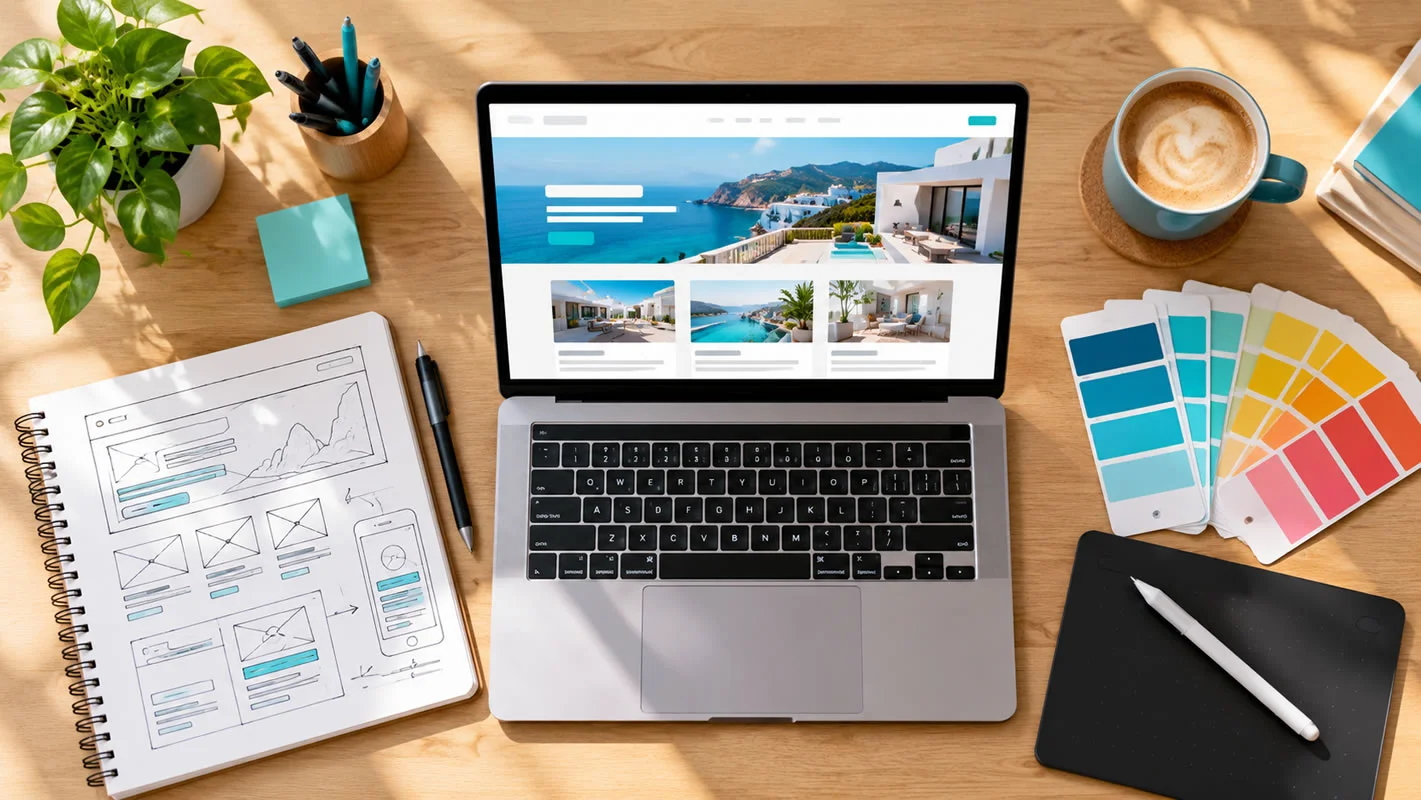
8 Web Design Tips Every Dubai Business Should Follow
Your website is often the first place a customer meets your business, and in a few seconds they decide whether to stay. These tips apply whether you are launching a new site or improving an existing one, and they come from the same principles we use in our professional website design projects for UAE businesses.
1. Make a Strong First Impression
Visitors judge a site almost instantly. A clean layout, professional images, a clear headline that says what you do and who you do it for, and consistent colours and fonts create trust. Avoid clutter, stock photos that look generic, and heavy sliders that delay the page.
2. Keep Navigation Simple
People should find what they need in two or three clicks. Use clear menu labels such as Services, About, and Contact, keep the main menu short, and add a search box for larger sites. If a visitor has to think about where to click, many will leave.
3. Design for Mobile First
Most visitors browse on phones. Make sure text is readable without zooming, buttons are easy to tap, forms are short, and a call or WhatsApp button is always within reach. Test on real devices as well as in a browser.
4. Make Speed a Priority
A slow website frustrates visitors and can hurt search performance. Compress images, remove unnecessary plugins, and choose reliable hosting. Our web hosting and domain services are set up with speed in mind.
“A good website feels effortless to the visitor, and that effort is usually in the planning.”
5. Write for Readability
Use legible fonts, enough contrast between text and background, short paragraphs, and descriptive headings. Plain language works better than technical jargon, and bullet points help people scan quickly.
6. Add Clear Calls to Action
Every important page should tell visitors what to do next: request a quote, call, book a consultation, or message on WhatsApp. Use specific button text, such as “Get a Free Quote”, rather than a vague “Submit”.
7. Build Trust
Show client logos, testimonials, certifications, project examples, and your company details, including your address and phone number. Make sure the site uses HTTPS and has clear privacy and terms pages. Real information builds more confidence than polished claims.
8. Plan for SEO From the Start
A good-looking website that search engines cannot understand will struggle to attract visitors. Use one clear H1 per page, descriptive titles and meta descriptions, readable URLs, image alt text, and internal links. Read more on how we build SEO-friendly websites.
Use Space and Visual Hierarchy
White space is not wasted space. Generous margins and spacing make content easier to read and help important elements stand out. Use size, colour, and position to show what matters most: the main headline first, then supporting text, then the action you want visitors to take.
Choose and Optimise Images Carefully
Original photos of your team, projects, and premises build more trust than generic stock images. Compress files, use modern formats such as WebP, set image dimensions to prevent layout shifts, and write descriptive alt text that explains what the image shows.
Accessibility Basics
Colour contrast
Make sure text stands out clearly from its background.
Keyboard navigation
Menus, forms, and buttons should work without a mouse.
Alt text and labels
Describe images and label form fields clearly.
Readable text sizes
Avoid small, light text that is hard to read.
Common Web Design Mistakes
Too much on the home page
Overloading it with text, banners, and pop-ups dilutes the message.
Hidden contact details
Make phone, email, WhatsApp, and address easy to find.
Inconsistent styling
Mixed fonts, colours, and button styles look unprofessional.
Ignoring analytics
Without data you are guessing what works.
Never updating
Outdated offers, broken links, and old dates damage trust.
Free Tools to Test Your Website
Google PageSpeed Insights
Checks speed and Core Web Vitals on mobile and desktop.
Google Search Console
Shows indexing issues, mobile usability, and search performance.
Browser developer tools
Preview your site on different screen sizes.
Accessibility checkers
Highlight contrast and labelling problems.
Pre-Launch Checklist
Test every form and button
Make sure enquiries reach the right inbox.
Check every page on mobile and desktop
Look for layout problems and broken links.
Set up analytics and conversion tracking
Know what is working from day one.
Add titles, meta descriptions, and a sitemap
Help search engines understand your pages.
Back up the site
Keep a copy before and after any major change.
Extra Considerations for UAE Websites
Bilingual content
If your customers speak Arabic as well as English, plan for right-to-left layouts and translated content that is checked by a native speaker.
Local details
Show your location, service areas, and business hours clearly, and link to your Google Maps listing.
Contact options
WhatsApp and click-to-call are popular and convenient for many UAE customers.
Regular updates
Keep services, prices, and contact details current so the site always reflects your business.
Frequently Asked Questions
How many pages should a business website have?
There is no fixed number. A small business site often has a home page, a page for each main service, an about page, and a contact page. Add more pages only when you have useful content for them, such as case studies or articles.
How often should I update my website?
Review it at least every few months. Keep contact details, services, and offers current, publish new content regularly, and apply security and software updates promptly.
Does web design affect SEO?
Yes. Speed, mobile usability, page structure, headings, and internal links all influence how easily search engines understand your site and how visitors experience it.
Should my website be in Arabic as well as English?
If a meaningful part of your audience prefers Arabic, a bilingual site can improve trust and reach. Plan for right-to-left layouts and have the translation checked by a native speaker.
Want a professional review of your website? Contact Cibernets and our team will suggest practical improvements.