5 Signs It Is Time to Redesign Your Website
A website is not a one-time project. Customer expectations, devices, search engines, and your own business all change, and a site that worked well a few years ago can quietly start costing you enquiries. Here are five clear signs that it may be time for a redesign, and how to do it safely.

1. It Looks Outdated or Does Not Work Well on Mobile
If your site looks dated, has tiny text on phones, or needs pinching and zooming, visitors will doubt your business before reading a word. Because Google primarily uses the mobile version of a page for indexing and ranking, a poor mobile experience can also affect your visibility.
2. It Is Slow
Pages that take several seconds to load lose visitors, and Google measures loading speed, responsiveness, and layout stability through Core Web Vitals. Heavy themes, old plugins, uncompressed images, and weak hosting are common causes. Sometimes a rebuild is more effective than patching a slow site.
3. Visitors Leave Without Taking Action
Check your analytics. If many people visit but few call, message, or fill in forms, the problem may be unclear messaging, a confusing layout, or missing trust signals. A redesign built around your customer’s journey, with clear services, proof, and calls to action, can lift conversions without needing more traffic.
“A redesign should solve a business problem, not just change the colours.”
4. It Is Hard to Update or Not Secure
If every small change needs a developer, or the site runs on outdated software with security warnings, you are exposed to risks and delays. A modern platform that you can update easily, with regular maintenance, saves time and protects your business. Our annual maintenance plans also help keep sites secure.
5. It No Longer Matches Your Business
Companies grow, add services, change names, or target new customers. If your website still describes the business you were years ago, or your search visibility has dropped as your content aged, it is time to realign structure, messaging, and design with where you are now.
How to Redesign Without Losing Your SEO
Audit what already ranks
Identify the pages that bring traffic and enquiries so you protect them.
Keep or redirect URLs
If a page address must change, set up a 301 redirect to the new page.
Preserve titles, headings, and content that perform
Improve them rather than discarding them.
Set up tracking before launch
Make sure analytics and conversion tracking work on the new site.
Check everything after launch
Review Google Search Console for errors and watch rankings and traffic closely.
Questions to Ask Before You Start
What problem are we solving?
Slow speed, low conversions, outdated branding, or a new service line each call for different solutions.
Who is the website for?
Define your main customers and what they need from the site.
What must be kept?
Identify top-ranking pages, valuable content, and features that work.
How will we measure success?
Set goals such as more enquiries, better speed, or higher rankings.
What a Redesign Process Usually Looks Like
Discovery and audit
Review goals, analytics, content, and technical issues.
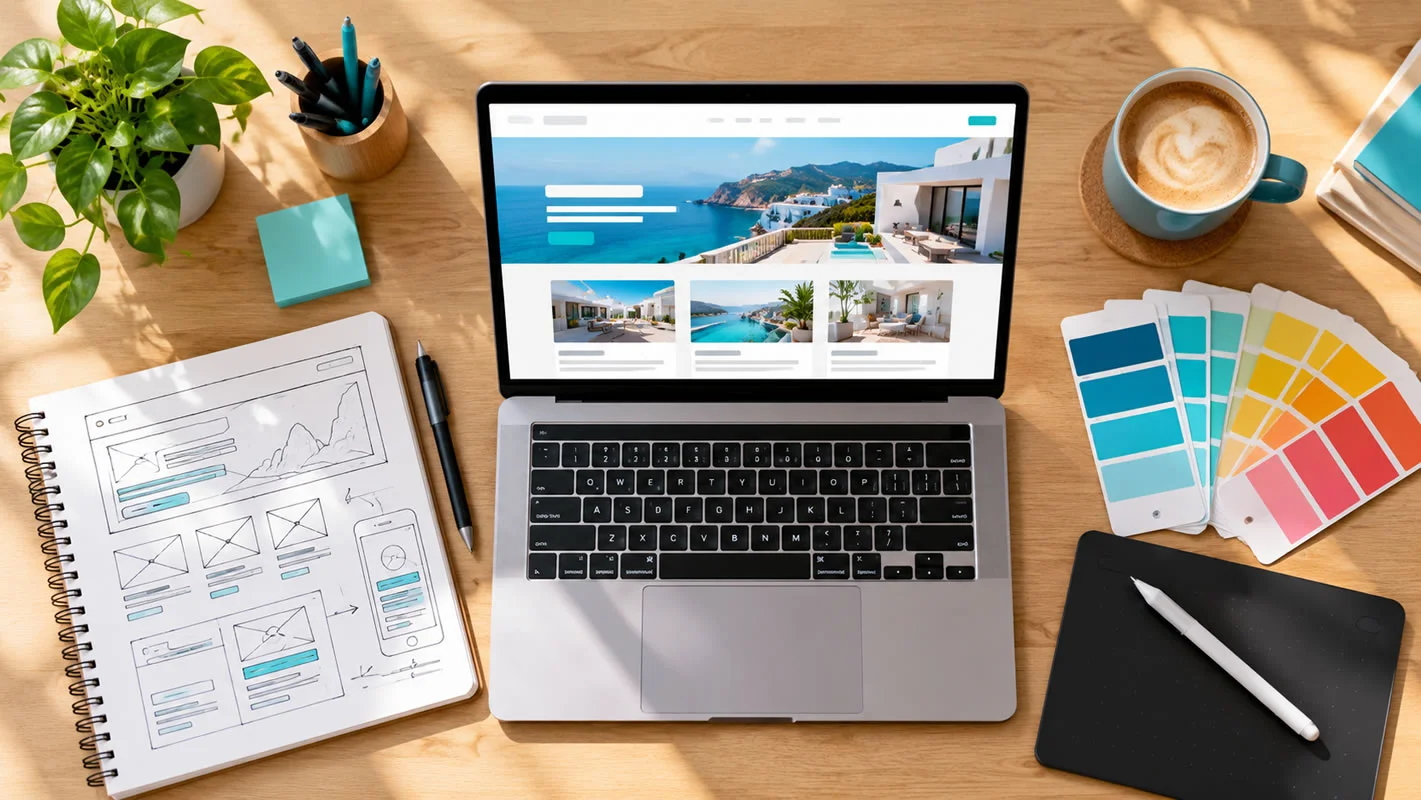
Structure and wireframes
Plan pages, navigation, and layouts before designing visuals.
Design and content
Create the look and feel and write or update the content.
Development and testing
Build the site, then test speed, devices, forms, and links.
Launch and monitoring
Go live with redirects in place, then track performance and fix issues.
What Affects Cost and Timeline
Every project is different. The number of pages, the amount of new content, custom features, e-commerce, integrations, multiple languages, and how quickly decisions and materials are provided all affect both cost and schedule. A clear brief helps you get an accurate quote and avoids surprises.
Mistakes to Avoid
Changing everything at once
Keep what works, especially pages that already bring in traffic and leads.
Forgetting redirects
Old URLs without redirects cause errors and lost rankings.
Launching without testing
Check mobile layouts, forms, and speed before going live.
Treating launch as the finish line
Monitor results and keep improving.
Measuring Success After Launch
Compare the numbers you recorded before the redesign with those after: enquiries, conversion rate, page speed, bounce rate, and organic traffic. Give search engines a few weeks to process the changes, and keep refining based on what you see.
Redesign or Refresh?
Not every site needs a full rebuild. A refresh, such as new content, better images, a faster theme, and clearer calls to action, may be enough. If the structure, technology, or branding is the problem, a redesign is the better choice. Our professional website design team can review your site and recommend the right option.
Frequently Asked Questions
How long does a website redesign take?
It depends on the size and complexity of the site, how much new content is needed, and how quickly feedback and materials are provided. A small business site and a large online store have very different timelines, so ask for a schedule in your proposal.
Will a redesign hurt my SEO?
It can if it is done carelessly, for example by changing URLs without redirects or removing pages that rank. With proper planning, redirects, and testing, a redesign often improves SEO.
How often should a website be redesigned?
There is no set schedule. Many businesses refresh content and design regularly and rebuild when technology, branding, or business goals change significantly.
Can I keep my existing content?
Yes. Content that is accurate and performing well can be kept, edited, and reorganised in the new design.
Not sure whether your website needs a refresh or a rebuild? Contact Cibernets for an honest assessment.